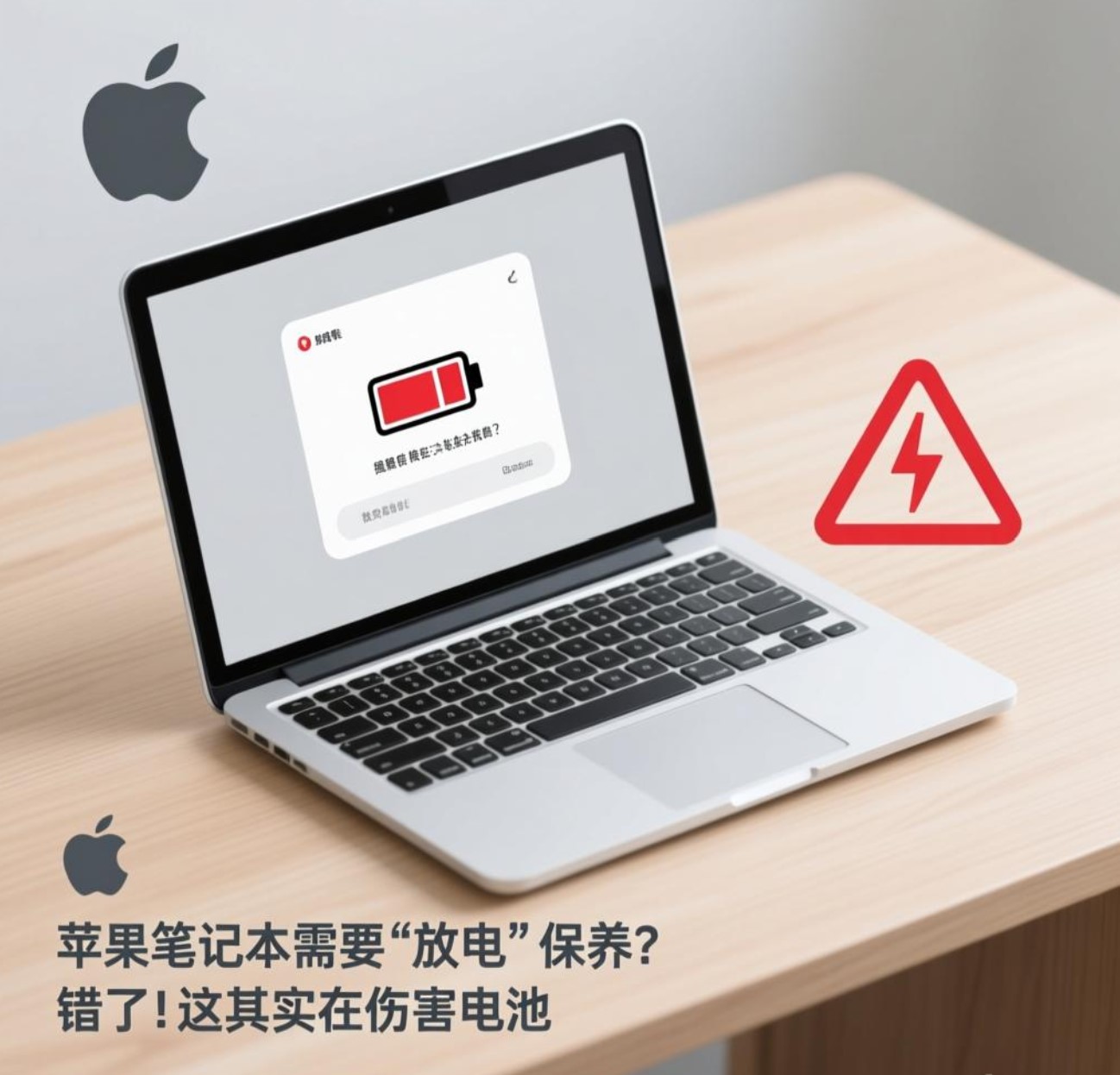
Apple Notebooks Need "Discharge" Maintenance? Wrong! This Is Actually Harming the Battery
For years, a piece of advice has circulated among laptop users: "You should regularly unplug and use your Apple notebook on battery power until it's nearly empty to 'calibrate' and maintain battery health." This practice, born in the era of nickel-based batteries, is not only outdated but actively detrimental to the modern lithium-ion batteries powering today's MacBooks, iPhones, and iPads. Clinging to this myth can inadvertently shorten your battery's lifespan. The core principle of modern lithium-ion battery care is the exact opposite: avoid deep discharges and embrace smart, partial charging. Understanding the "why" behind this shift is crucial to breaking free from old habits and adopting practices that truly extend your device's battery life and overall health.
苹果笔记本需要“放电”保养?错了!这其实在伤害电池
多年来,笔记本电脑用户中流传着一条建议:“你应该定期拔掉电源,用电池将苹果笔记本用到快没电,以‘校准’并维持电池健康。” 这种做法诞生于镍基电池时代,不仅已经过时,而且对如今为MacBook、iPhone和iPad供电的现代锂离子电池有积极害处。固守这个误区,可能会在不知不觉中缩短电池的寿命。现代锂离子电池保养的核心原则恰恰相反:避免深度放电,拥抱智能的、非满充的充电方式。 理解这一转变背后的“原因”,对于摆脱旧习惯、采用真正能延长设备电池寿命和整体健康的做法至关重要。
The Science Behind the Shift: From "Memory Effect" to "Charge Cycles"
The recommendation for periodic full discharge stems from the behavior of old nickel-cadmium (NiCd) and nickel-metal hydride (NiMH) batteries. These batteries suffered from a "memory effect." If they were consistently recharged after being only partially discharged, they would "forget" their full capacity, effectively losing a portion of their usable life. A periodic full discharge was necessary to reset this memory. However, the lithium-ion (Li-ion) and lithium-polymer (Li-Po) batteries used in all modern Apple devices function on a completely different principle. They have no memory effect whatsoever. Instead, their lifespan is primarily determined by "complete charge cycles." A charge cycle is defined as using 100% of the battery's capacity, but not necessarily from a single discharge. For example, using 60% one day and 40% the next day equals one full cycle. Crucially, lithium-ion chemistry degrades fastest when subjected to extreme states: being consistently held at 100% charge or drained to 0%. A deep discharge (to 0%) places significant stress on the battery's internal chemistry, accelerating its aging process.
观念转变背后的科学:从“记忆效应”到“充电周期”
建议定期完全放电,源于旧式镍镉电池和镍氢电池的特性。这些电池存在“记忆效应”。如果它们总是在部分放电后就充电,会“忘记”自己的全部容量,从而导致可用寿命缩短。定期完全放电是为了重置这种记忆。然而,所有现代苹果设备中使用的锂离子电池和锂聚合物电池,其工作原理完全不同。它们完全没有记忆效应。相反,它们的寿命主要由 “完全充电周期” 决定。一个充电周期是指使用了电池100%的电量,但不一定是一次性用完。例如,今天用掉60%,明天用掉40%,加起来就是一个完整周期。最关键的是,锂离子化学特性在处于极端状态时老化最快:即长期保持在100%满电或彻底耗尽到0%。深度放电(至0%)会给电池内部化学物质带来巨大压力,加速其老化过程。
Apple's Built-In Intelligence: Your Best Ally in Battery Care
Apple's hardware and macOS are designed with sophisticated battery management systems that make manual "discharge maintenance" completely unnecessary and counterproductive. When your MacBook is plugged in and the battery reaches 100%, the system intelligently switches to powering the computer directly from the AC adapter. The battery enters a rest state; it is not being constantly "trickle-charged," so there is no risk of "overcharging." Furthermore, features like Optimized Battery Charging (enabled by default in macOS) learn your daily charging routine. For example, if you typically plug in your laptop overnight, it will charge to about 80% and then pause, only completing the charge to 100% just before you usually unplug it. This reduces the time the battery spends at full charge, thereby slowing chemical aging. Deliberately discharging the battery interferes with this optimized learning process.
苹果内置的智能:你保养电池的最佳盟友
苹果的硬件和macOS配备了精密的电池管理系统,使得手动“放电保养”变得完全多余且适得其反。当你的MacBook连接电源且电池达到100%时,系统会智能地切换为由交流电源适配器直接为电脑供电。电池进入休息状态;它并非处于持续的“涓流充电”中,因此不存在“过充”风险。此外,像优化电池充电这样的功能在macOS中默认启用,它会学习你日常的充电习惯。例如,如果你习惯晚上插着电脑充电,它会先充电到大约80%然后暂停,只在通常你拔掉电源前才充满至100%。这减少了电池处于满电状态的时间,从而减缓化学老化。刻意给电池放电,反而会干扰这种优化学习过程。
Actionable Guidance: What You Should Actually Do
Forget about scheduled discharges. To maximize the health and longevity of your MacBook's battery, follow these practical guidelines:
-
Use It Plugged In When Convenient: This is the most stress-free state for the battery. Feel free to keep it plugged in during extended work sessions.
-
Avoid Extreme Depletion: Try not to let the battery routinely drop below 20%. While an occasional dip is fine, making a habit of running it to zero is harmful.
-
Manage Heat Aggressively: Heat is the number one enemy of lithium-ion batteries. Avoid using your MacBook on soft surfaces like beds or sofas that block ventilation. Ensure it stays cool during intensive tasks like video editing or gaming.
-
For Long-Term Storage: If you won't be using the laptop for months, do NOT store it fully charged or completely empty. Apple recommends storing it with a 50% charge in a cool, dry environment.
可操作的指南:你真正应该做什么
忘掉计划性的放电吧。要最大限度地延长MacBook电池的健康和寿命,请遵循以下实用准则:
-
方便时就插电使用:这是对电池压力最小的状态。长时间工作时,请放心保持插电。
-
避免电量耗尽:尽量不要让电池电量经常低于20%。偶尔用至低电量没问题,但养成用到自动关机的习惯是有害的。
-
积极管理热量:热量是锂离子电池的头号敌人。避免在床或沙发等堵塞通风口的柔软表面上使用MacBook。在进行视频编辑或游戏等高强度任务时,确保其保持凉爽。
-
长期存放时:如果你将数月不使用笔记本电脑,请不要将其充满电或完全放电后存放。苹果建议在电量约为50% 的状态下,将其存放在阴凉干燥的环境中。
Conclusion: Work with the Technology, Not Against It
Modern Apple devices are engineered to handle power intelligently. The outdated practice of forced discharge is a battle against your device's own sophisticated protection systems. By understanding that lithium-ion batteries thrive on partial, shallow charge cycles and cool temperatures, you can align your habits with the technology's design. Trust the built-in battery management, avoid the extremes, and focus on keeping your device cool. This approach, not periodic deep discharges, is the true key to preserving your MacBook's battery for the long haul. The goal is seamless use, not obsessive maintenance.
结论:与科技协作,而非对抗
现代苹果设备的工程设计使其能够智能地管理电源。强制放电的过时做法,是在与你设备自身精密的保护系统作对。理解了锂离子电池在部分、浅度的充放电循环和凉爽温度下状态最佳,你就能让自己的习惯与科技的设计相一致。信任内置的电池管理功能,避免极端电量状态,并专注于保持设备凉爽。这种做法,而非定期的深度放电,才是长久保护MacBook电池的真正关键。我们的目标是顺畅使用,而非强迫性的维护。
此文由 怡心湖 编辑,若您觉得有益,欢迎分享转发!:首页 > 会·生活 » 苹果笔记本需要“放电”保养?错了!这其实在伤害电池